Creating a desk setup that promotes focus and comfort is key to maintaining productivity and reducing physical strain during work or study sessions. Whether you’re working from home, in an office, or studying, a well-arranged workspace can make a significant difference in your daily experience. In this post, we’ll explore practical tips to help you design a desk setup that enhances concentration and keeps you comfortable throughout the day.
Why Your Desk Setup Matters
Your workspace environment influences your ability to concentrate and how your body feels during and after long periods of sitting. A cluttered or uncomfortable desk can cause distractions and physical discomfort such as neck pain, backache, or eye strain. Conversely, a thoughtfully arranged desk encourages better posture, reduces fatigue, and helps you stay organized and motivated.
Choosing the Right Desk and Chair
Invest in Ergonomics
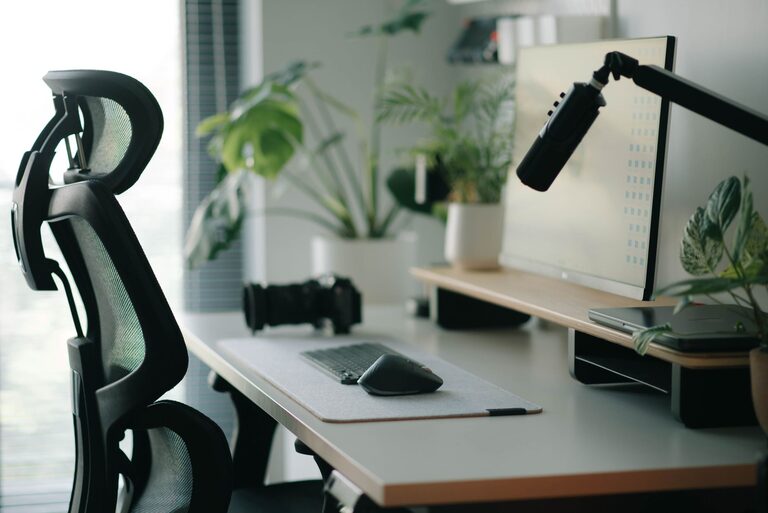
Start with a desk and chair that support healthy posture. Your chair should allow you to sit with your feet flat on the floor and your knees at a 90-degree angle. Look for chairs with adjustable height and lumbar support to maintain the natural curve of your spine.
Your desk should be at a height where your forearms rest comfortably parallel to the floor when typing or writing. If your desk is too high or too low, it can cause strain on your shoulders and wrists.
Consider Your Space
Choose a desk size that fits your room but still provides enough surface area for your essential items like your computer, notepads, and other tools without overcrowding.
Organizing Your Desk for Efficiency
Keep Essentials Within Reach
Arrange frequently used items like your keyboard, mouse, phone, and stationery within easy reach to avoid unnecessary stretching or twisting.
Use Storage Solutions
Incorporate organizers such as drawers, trays, or desktop containers to keep your supplies tidy. Decluttering reduces distractions and helps maintain focus.
Manage Cables
Use cable clips, sleeves, or cord boxes to keep wires neat and out of sight. This not only enhances the aesthetics but also prevents tangling and accidental disconnections.
Lighting That Supports Your Eyes
Maximize Natural Light
Position your desk near a window to benefit from natural daylight. Natural light can improve mood and reduce eye strain.
Avoid Glare
Arrange your screen perpendicular to windows to avoid glare on your monitor. If natural light is insufficient or unpredictable, use a desk lamp with adjustable brightness and a neutral color temperature.
Positioning Your Monitor and Screen
Eye-Level Placement
Place your monitor directly in front of you with the top of the screen at or slightly below eye level. This positioning helps prevent neck and eye strain.
Opt for the Right Distance
Keep your screen about an arm’s length (20-30 inches) away to reduce eye fatigue and maintain a comfortable viewing angle.
Accessorize for Comfort and Health
Use an Ergonomic Keyboard and Mouse
Consider keyboards and mice designed to reduce wrist strain, such as split-key keyboards or vertical mice.
Add a Monitor Stand or Laptop Riser
If you use a laptop, a riser can elevate your screen to eye level. Pair this with an external keyboard and mouse for better ergonomics.
Support Your Wrists and Feet
Use a wrist rest to maintain neutral wrist positioning and a footrest if your feet don’t comfortably reach the floor.
Personalize Without Overcrowding
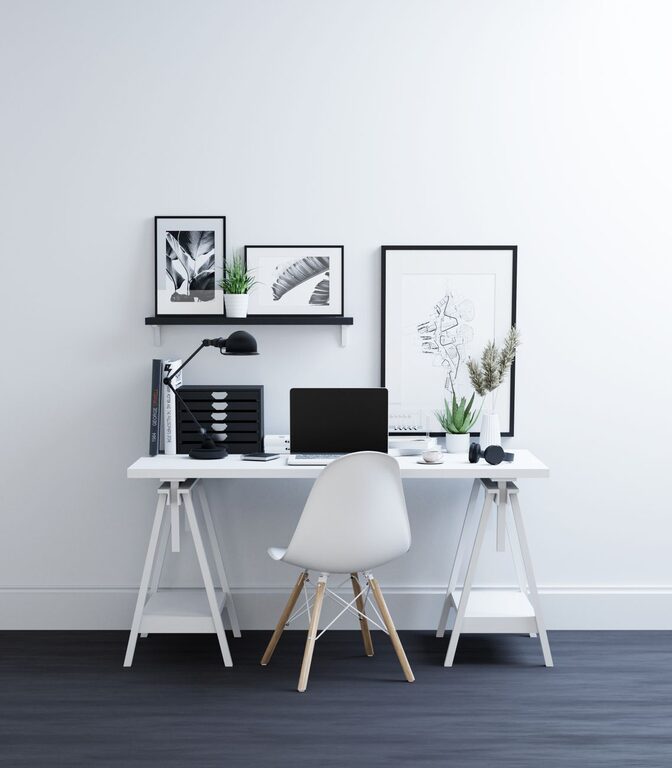
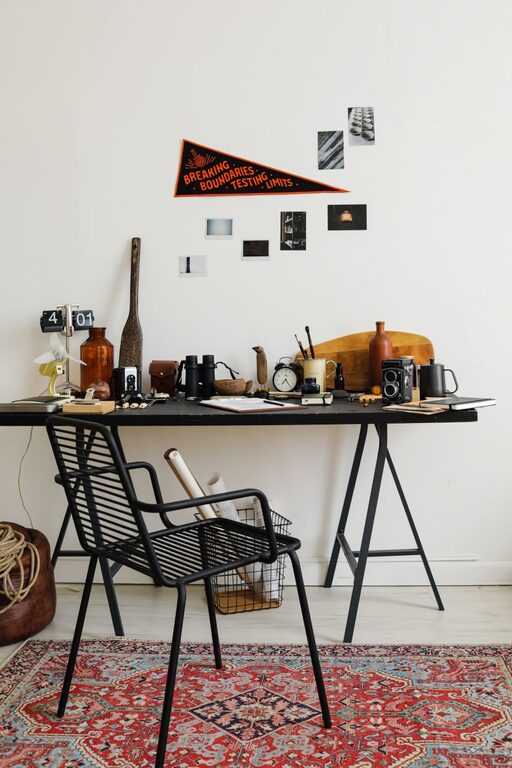
Adding personal touches like plants, photos, or artwork can make your workspace inviting and boost your mood. Choose items that inspire you but avoid clutter that might distract you.
Maintaining Your Workspace
Daily Tidying
Spend a few minutes at the end of each day clearing your desk to start each morning with a clean environment.
Regular Breaks
Remember to take short breaks every hour to stand, stretch, and rest your eyes. This reduces physical and mental fatigue, improving overall focus.
—
By following these desk setup tips, you can create a workspace that supports your ability to concentrate and encourages comfort throughout your workday. A well-designed desk setup not only boosts productivity but also promotes physical well-being, making your work experience more enjoyable and efficient.