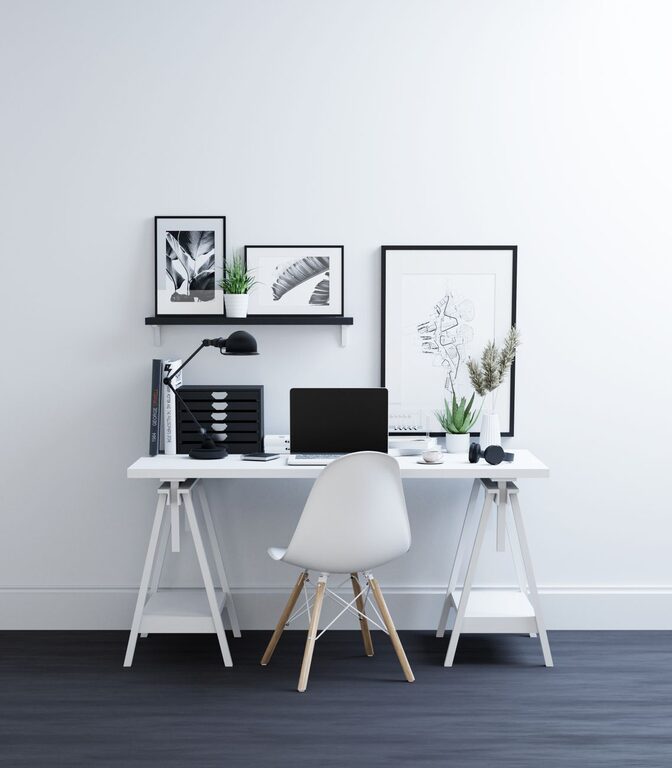

A cluttered or dull workspace can affect your focus and motivation. Fortunately, it doesn’t take hours to create a more inviting and efficient environment. In just ten minutes, you can refresh your workspace to help you feel energized and ready to work. This guide offers simple, practical steps to give your desk a quick makeover anytime you need a boost.
Why Refresh Your Workspace?
Your surroundings have a big impact on how you work. A tidy, organized space can reduce stress, increase concentration, and even spark creativity. Refreshing your workspace regularly helps maintain these benefits and keeps your environment enjoyable.
Preparation: Set a Timer and Gather Supplies
Before you start, set a timer for ten minutes. This keeps you focused and ensures you don’t spend too long on the task.
Gather a few basic supplies to make the process easy:
– Cleaning wipes or a microfiber cloth
– Trash bag or bin
– Small storage containers or organizers (if available)
– A notebook or sticky notes for jotting reminders
Having these on hand helps you work efficiently.
Step 1: Clear Out Trash and Unnecessary Items (2 minutes)
Start by removing any obvious clutter. Toss out used coffee cups, old receipts, snack wrappers, or any other trash.
Check your desk surface and nearby floor area for items that don’t belong. Removing garbage and irrelevant objects instantly brightens your space.
Step 2: Organize Papers and Office Supplies (3 minutes)
Sort through papers and mail piles quickly. Separate important documents that need attention from junk mail or completed items.
Use folders or trays to keep papers neat. If you don’t have organizers, create small piles labeled “To Do,” “To File,” and “Recycle” to handle later.
Next, gather pens, pencils, and other supplies scattered around. Place them into a cup or drawer to reduce visual clutter.
Step 3: Wipe and Dust Surfaces (2 minutes)
Use a cleaning wipe or a microfiber cloth to wipe down your desk, keyboard, mouse, and any other surfaces.
Dust and dirt can make a workspace feel neglected. Cleaning removes grime and refreshes your area instantly.
Step 4: Rearrange and Personalize (2 minutes)
Move items on your desk to improve your workflow. Place frequently used supplies within easy reach and tuck away what you don’t need immediately.
Adding one or two personal touches, like a small plant, a photo, or an inspiring quote, can lift your mood.
Step 5: Final Check and Set Intentions (1 minute)
Take a moment to look over your refreshed space. Adjust anything that feels out of place.
Write down one or two goals or priorities for your next work session. This helps center your focus and makes your refreshed workspace purposeful.
Bonus Tips for Maintaining a Fresh Workspace
– Spend five minutes at the end of each day tidying your desk.
– Keep a small trash bin nearby to avoid clutter buildup.
– Limit personal items to a few meaningful things to prevent distraction.
– Use cable organizers to manage wires neatly.
Refreshing your workspace in just ten minutes is achievable and effective. With regular mini-makeovers, you can enjoy a more pleasant, productive work environment without a big time commitment. Try this quick routine today and notice the difference it makes in your workday!